Two of our Divi plugins are built for your Grok Bot. Four work fine on their own. Here is which is which, straight from each plugin’s own page, and what a Grok Bot adds to the four that don’t need one.
The short answer
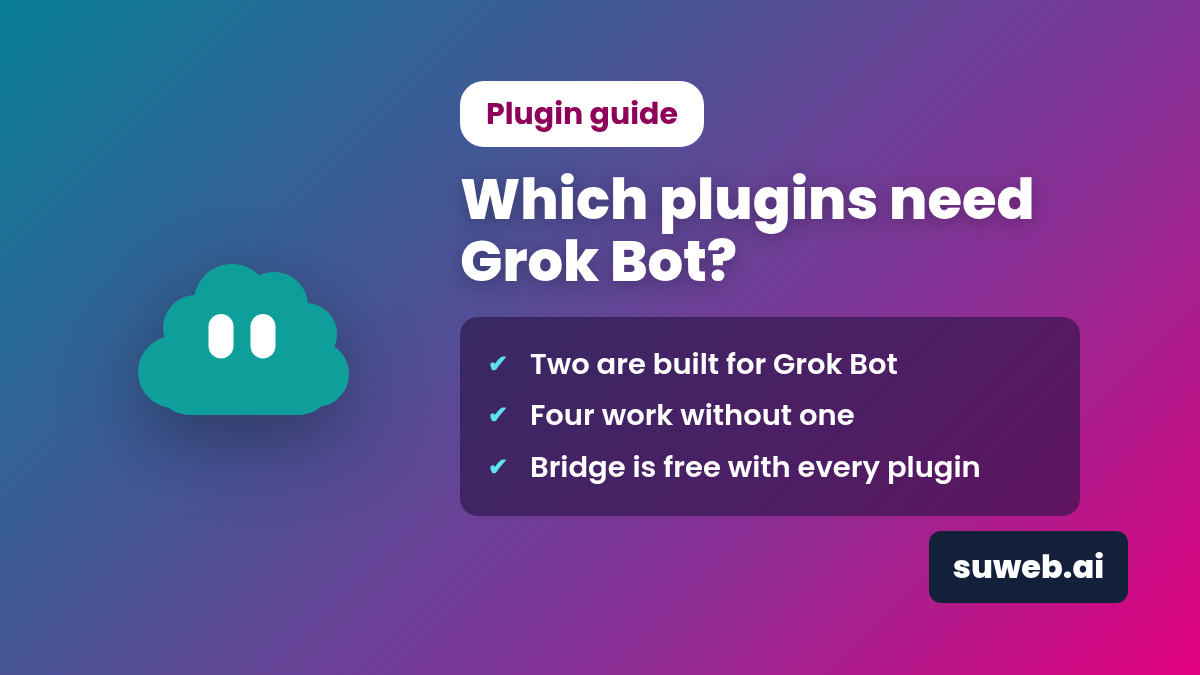
Need a Grok Bot: Divi Bot Bridge and Divi Kickstart. Bridge exists to connect your site to your own Grok Bot, and Kickstart collects a site brief that your Grok Bot then builds from.
Work without one: Divi Box & Ship, Divi Brand Swap, Divi Funnels and the free Divi GIF. You run them yourself from WordPress and the Divi Builder.
Bridge comes free with every paid plugin, so if you do have a Grok Bot, it can help with all of them.
The two that need a Grok Bot
These two plugins are the Grok Bot side of the toolkit. Without a bot (or another assistant reading the brief), there is nothing on the other end to do the work.
Divi Bot Bridge
Gives your own Grok Bot secure access to the parts of Divi plain WordPress REST can’t reach: global colors and fonts, presets, the Theme Builder, the Library, theme options and custom CSS. Its requirements list “Your own Grok Bot, connected with a WordPress application password”.
Divi Kickstart
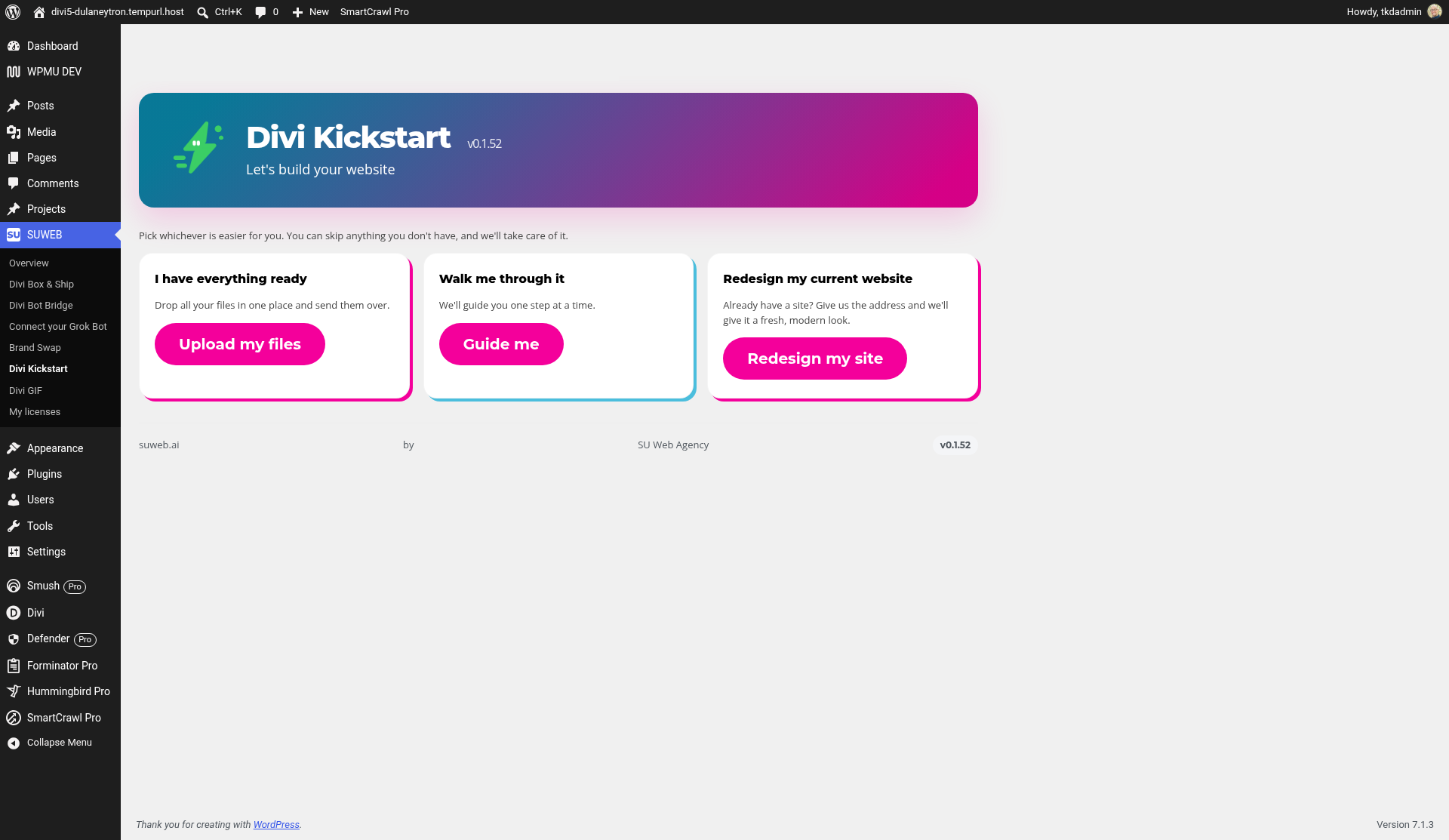
A wizard inside WordPress that collects your site brief: business details, pages, look, photos and sites you like. The plugin itself only collects the brief. Your Grok Bot reads it and builds the site with native Divi modules.
Your brief stays on your site
Kickstart keeps your brief on your own WordPress site, and nothing is sent off-site. Bridge works through a WordPress application password you can revoke any time, has an on/off switch that shuts every route off, and takes a backup before every change.
The four that work without a Grok Bot
Install them, open them in WordPress or the Divi Builder, and use them by hand. A Grok Bot is optional.
Divi Box & Ship
Packs layouts, pages, Library items, Theme Builder templates and presets into one box and unpacks it on another site, with copy, replace or skip. Its page says: “Box & Ship does not need Divi Bot Bridge to work.”
Divi Brand Swap
Scans your current brand, lets you pick new colors, fonts, logo and business name, previews every change and backs up first, with one-click undo. Requirements: “Grok Bot: Optional. Brand Swap works fully on its own.”
Divi Funnels
Sales funnels from Divi pages and WooCommerce: checkout, order bumps, one-click upsells and downsells, A/B tests and analytics. Its page says “Divi Funnels works on its own.” It does need WooCommerce.
Divi GIF
A Divi 5 module with GIPHY search built into the Visual Builder. You need WordPress 6.4+, PHP 7.4+, Divi 5 and a free GIPHY API key. No Grok Bot is listed, and there is no tracking.
Side by side
| Plugin | Grok Bot | Also needs |
|---|---|---|
| Divi Bot Bridge | Required | Divi 4.27+ or Divi 5, a WordPress application password |
| Divi Kickstart | Required to build the site | Divi, Bridge (included) |
| Divi Box & Ship | Optional | Installed on both sites; PHP Zip recommended |
| Divi Brand Swap | Optional | Divi 4 or 5 |
| Divi Funnels | Optional | WooCommerce, Divi 4 or 5 |
| Divi GIF | Not needed | Divi 5, free GIPHY API key |
From the requirements and FAQ on each plugin’s page, November 2026.
What a Grok Bot adds to the four that don’t need it
Each paid plugin includes Divi Bot Bridge. Connect it and your Grok Bot can do the clicking for you, through the same plugin features you’d use by hand.
Box & Ship: ask for the move
Through Bridge, your Grok Bot can start a Box & Ship export and import a box on another site with skip, replace or copy, then check the shipped pages for you. Handy during a layout move or a staging-to-live switch.
Brand Swap: get a brand suggested
With Bridge, your Grok Bot can suggest the new colors, fonts and name, and read or change Brand Swap’s settings. You still preview every change, and one click undoes it. More in how to rebrand a Divi site.
Funnels: describe it, review the draft
With Bridge connected, your Grok Bot can create, edit and check funnels, for example: “Build a product launch funnel for my sourdough starter kit at $29.” With Kickstart, you can ask for a funnel in your site brief. Funnels arrive as drafts. See order bumps and one-click upsells.
GIF: settings without the hunt
Divi GIF is free and doesn’t need Bridge. If Bridge is on the site from another plugin, your Grok Bot can read and change Divi GIF’s settings through it. Placing GIFs stays a quick job in the Visual Builder; see how to add a GIF to a Divi 5 page.
Requests, not clicks
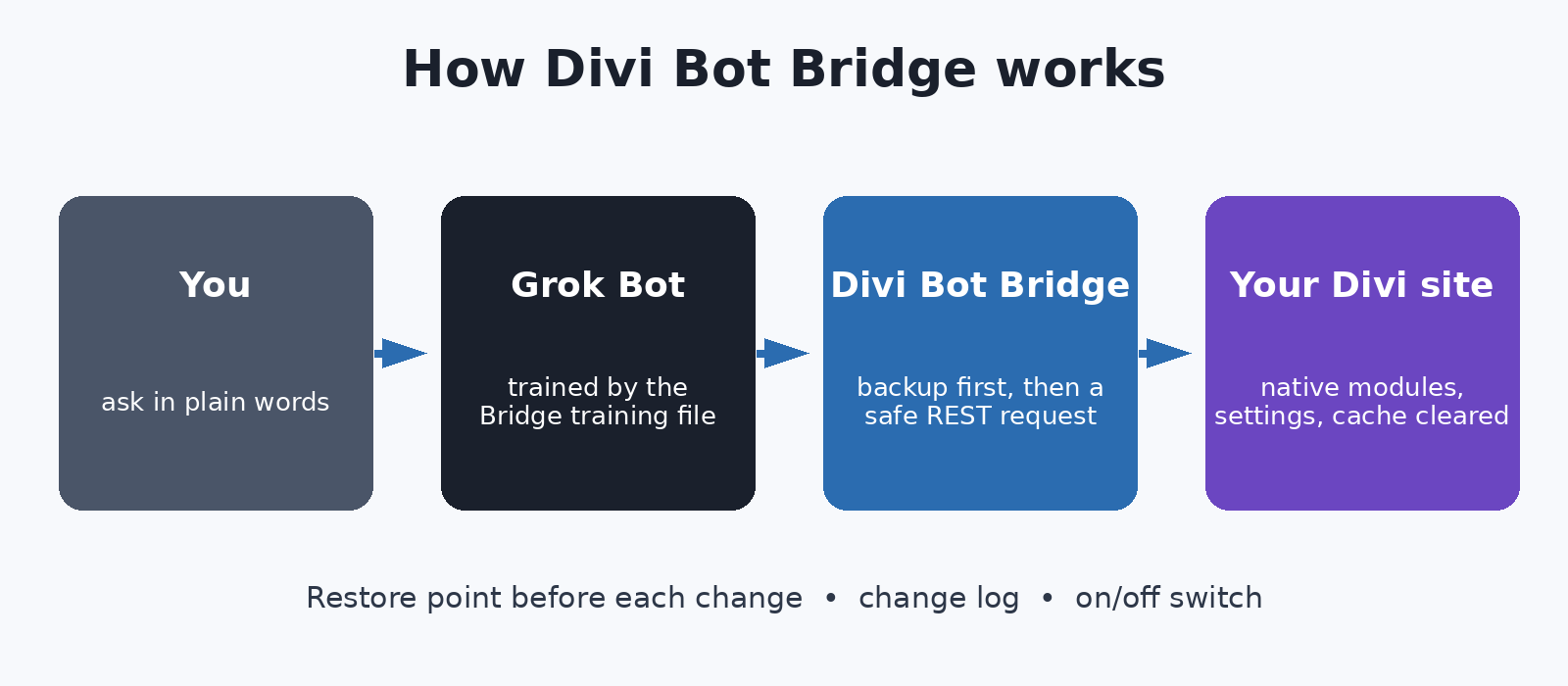
Without Bridge, an assistant has to log in and click around the screen. With Bridge it sends direct requests. In our tests on a Divi 5 test site, a scripted browser agent took 62 seconds to change the body font by clicking; through Bridge it took 3.2 seconds. Every change is backed up and logged, with one-step restore. Read how Bridge works.
Which should you start with?
- No Grok Bot yet? Box & Ship, Brand Swap, Funnels and GIF all work today, by hand.
- Have a Grok Bot? Start with Divi Bot Bridge ($29), or get it free with any other plugin.
- Want a new site from a brief? Divi Kickstart plus your Grok Bot.
- Want more than one? The Mega Bundle is $197 instead of $275.
Licenses cover a year of updates and support. If you cancel, the plugins keep working as long as they stay compatible. Questions? Ask us, or read the Divi 5 workflow guide.
Ready to get started?
Pick the plugins that fit your work. Bridge is included with every paid one.