
Free Divi 5 layout
Free Divi 5 starter layout for service businesses
A ready-made one-page layout for plumbers, electricians, cleaners, salons and other local service businesses. Import it, swap in your details, and you have a clean starting point built entirely from native Divi 5 modules.
Preview
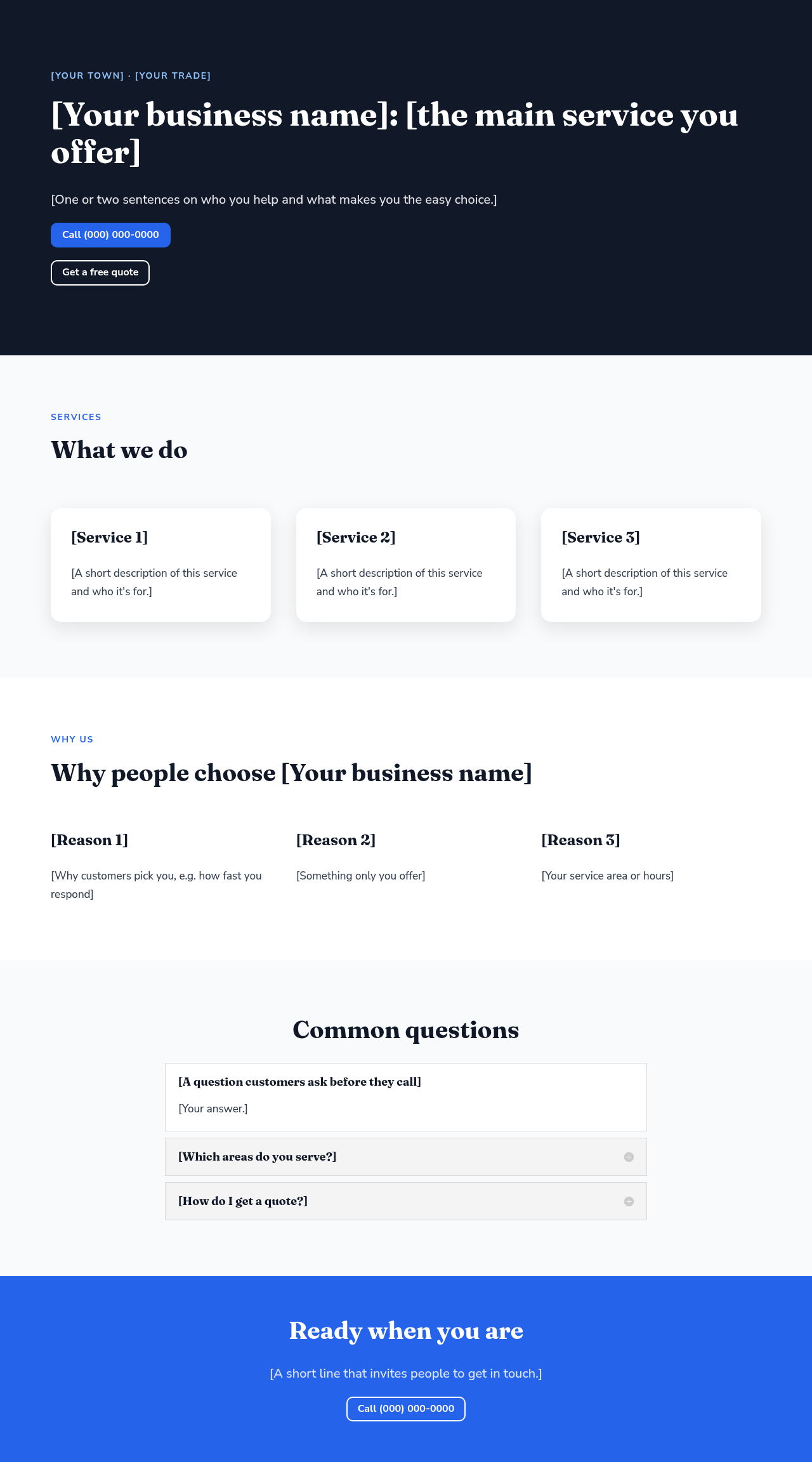
The full layout on a computer (left) and a phone (right), shown with placeholder text.

What's inside
- Hero with your business name, a short pitch, a tap-to-call button and a quote button
- Services: three cards for your main services
- Why us: three short reasons to pick you
- Common questions: an accordion for the questions customers ask before they call
- Call to action band with a second call button
Every part is a regular Divi 5 module (heading, text, button, accordion), so you can edit everything in the Visual Builder. There's no custom code, no images to license and no presets or global colors that would change your site's settings.
Requirements
- Divi 5 (the theme or the Divi Builder plugin)
- A WordPress administrator account
How to import it
- Download the ZIP file above and unzip it to get the .json file.
- In WordPress, go to Divi > Divi Library and use the import (portability) option to upload the .json file.
- Create or open a page, open the Divi Builder and load Service Business Starter from your Library.
- Replace everything in [square brackets] with your own details.
- Change the phone buttons' link to your number, in the format
tel:+1followed by your number with no spaces.
Make it yours faster
- Change the colors and fonts site-wide with Divi Brand Swap.
- Move the finished page to another site with Divi Box & Ship.
- Have your Grok Bot fill in your details with Divi Bot Bridge.
Questions
Is it really free?
Yes. It is a free download.
Does it work with Divi 4?
No. It's built with Divi 5 modules, so it needs Divi 5.
Will importing it change my site's colors or presets?
No. The file has no presets or global colors. The colors are set on the layout itself, so you can change them in the builder.